Hi there! We got your message, but our team is offline right now.
We are open Monday to Friday, from 9 AM to 6 PM. As soon as we open, we will reply here in the order messages came in.
Feel free to leave your question now so we can get a head start.

Pick a ready-made message or build your own template, see exactly how it looks on WhatsApp and copy it in one click. Every template follows Meta's rules. No sign-up.
55 WhatsApp message templates for everyday business. Filter by topic or industry and open a template to copy or edit it.

The preview, editor and validation on this page come from template-builder, a free open source SDK for React and Vue maintained by Talqui.
npm install @talqui-oss/template-builder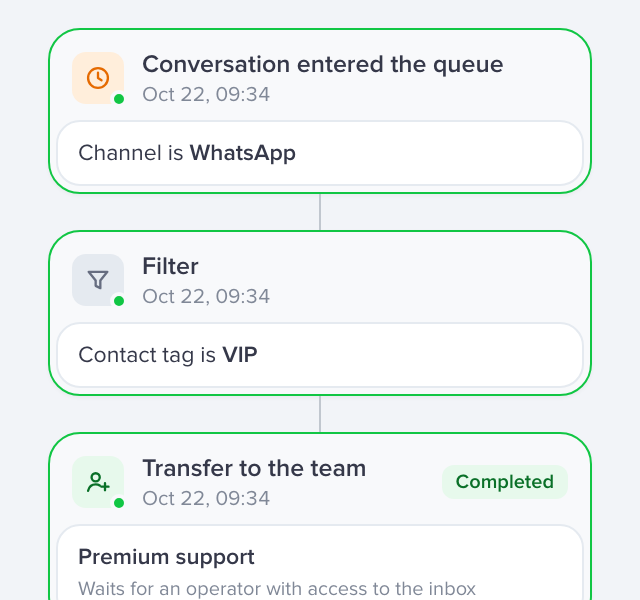
After-hours replies and messages sent by trigger.
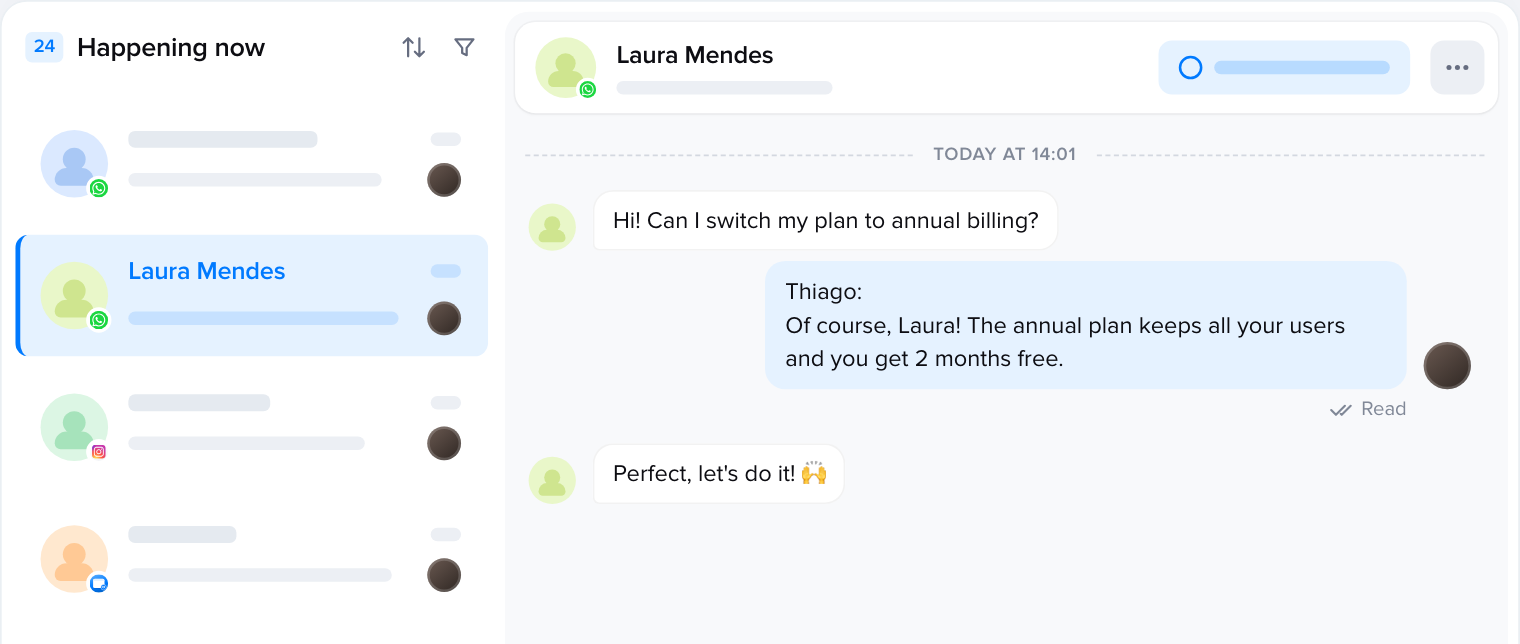
Your whole team answering on the same official API number.
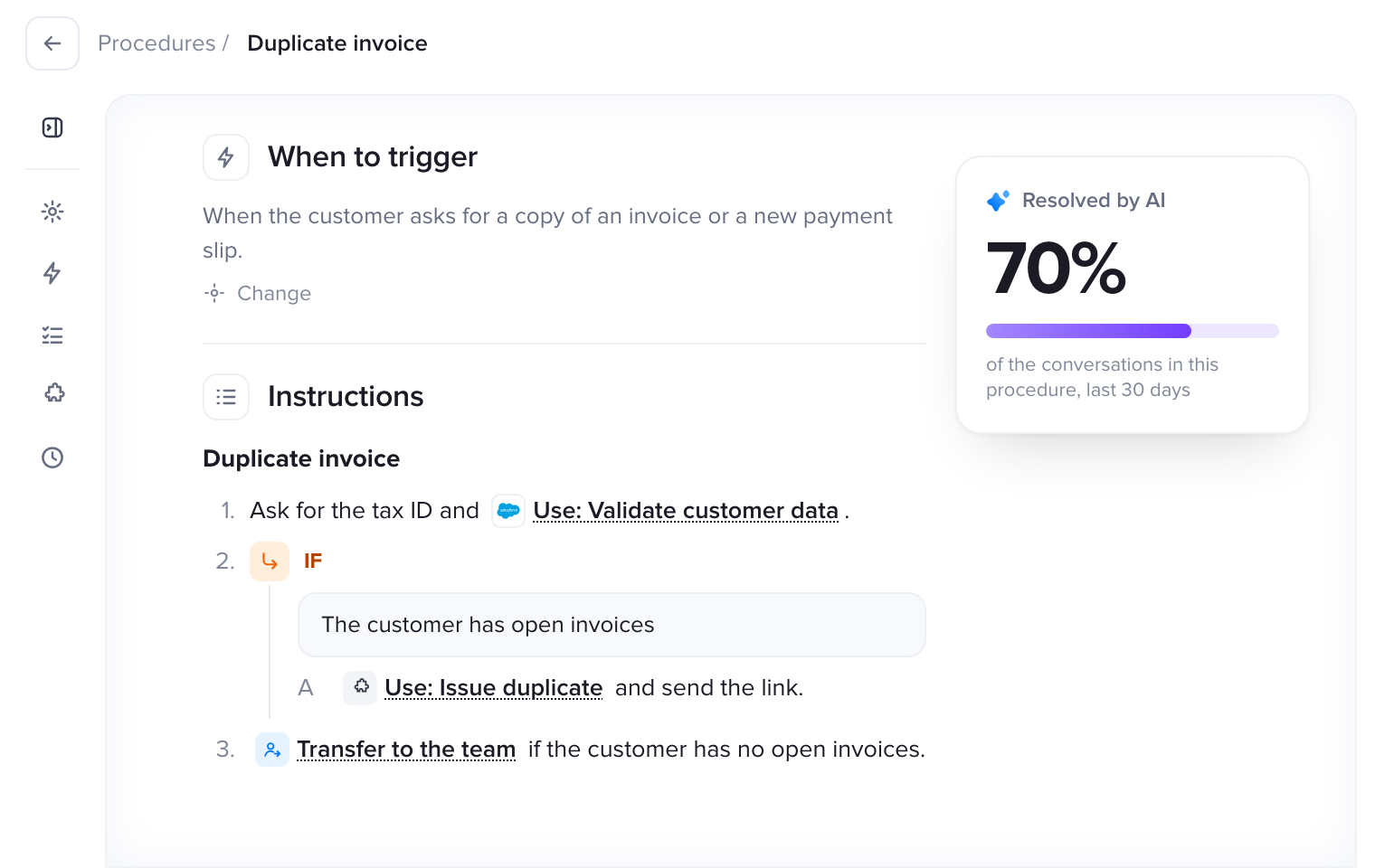
AI that answers instantly, within Meta's rules.
With Talqui your messages go out through the official WhatsApp Business API: after-hours auto replies, campaigns to whole lists and your entire team answering on the same number.
7-day free trial, no credit card required.
Guide: connect your number to the official APIFAQ
What people ask most about templates, ready-made messages and auto replies.
Still have questions? Write to us at support@talqui.com
It is a pre-written message you reuse for support or campaigns. On the official WhatsApp Business API, messages sent to someone who has not messaged you in the last 24 hours must be templates approved by Meta, with a header, body, footer and buttons.
Every template follows Meta's format rules (length, variables, buttons and footer), which avoids the most common rejections. The approval itself is done by Meta when you submit the template in your account, and it also depends on the content and category.
In the WhatsApp Business app, use the away message under Business tools. For a team, on a platform like Talqui, the after-hours reply covers the whole number and works alongside your agents.
They are variables: when the message is sent, each one is replaced with the customer's details, such as name, amount or date. Meta asks for an example of each variable and rejects messages that start or end with one.
Bulk sending from the regular app gets numbers banned. The allowed way is the official WhatsApp Business API, with approved templates and only to people who opted in. Talqui sends campaigns through the official API.
Yes. Copying, editing and testing on your WhatsApp is free and needs no sign-up. You only sign up if you want to send the messages with Talqui.