Order confirmed, Tyler! We are already preparing 1 large pepperoni pizza and 1 soda, for a total of $24.90.
Estimated delivery time is 40 minutes. We will let you know here when your order is on its way.
Contact the store

WhatsApp template to confirm an appointment or booking: date, time and address, with quick reply buttons so customers can confirm or reschedule.
Hi Olivia! This is a reminder of your appointment with Dr. Helen Carter tomorrow, Tuesday, Oct 14, at 3 PM. Address: 120 Oak Street, Suite 3. Can you confirm you will be there?
Edit in the builderReplace the fields in braces with each customer's details. In the text above they show an example.
{{first_name}}example: Olivia{{provider}}example: Dr. Helen Carter{{date}}example: Tuesday, Oct 14{{time}}example: 3 PM{{address}}example: 120 Oak Street, Suite 3Send it the day before. Confirm and reschedule buttons cut no-shows and free up the slot for someone else in time.
To send this message to someone who has not messaged you in the last 24 hours, it has to be registered as a template and approved by Meta on the official WhatsApp Business API.
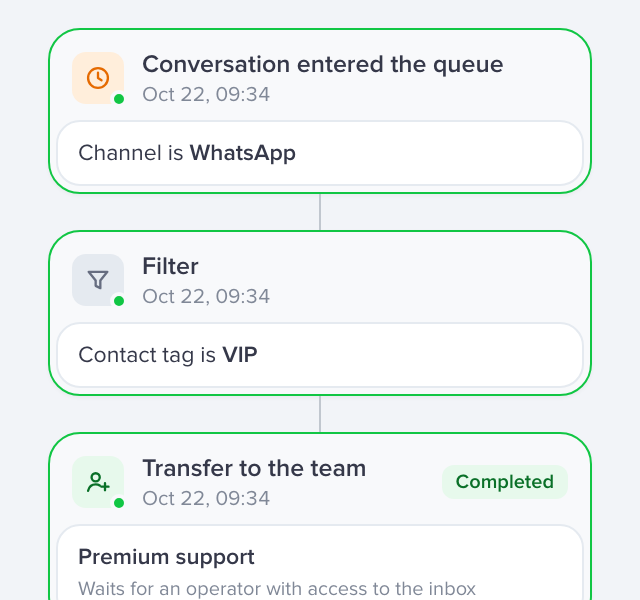
After-hours replies and messages sent by trigger.
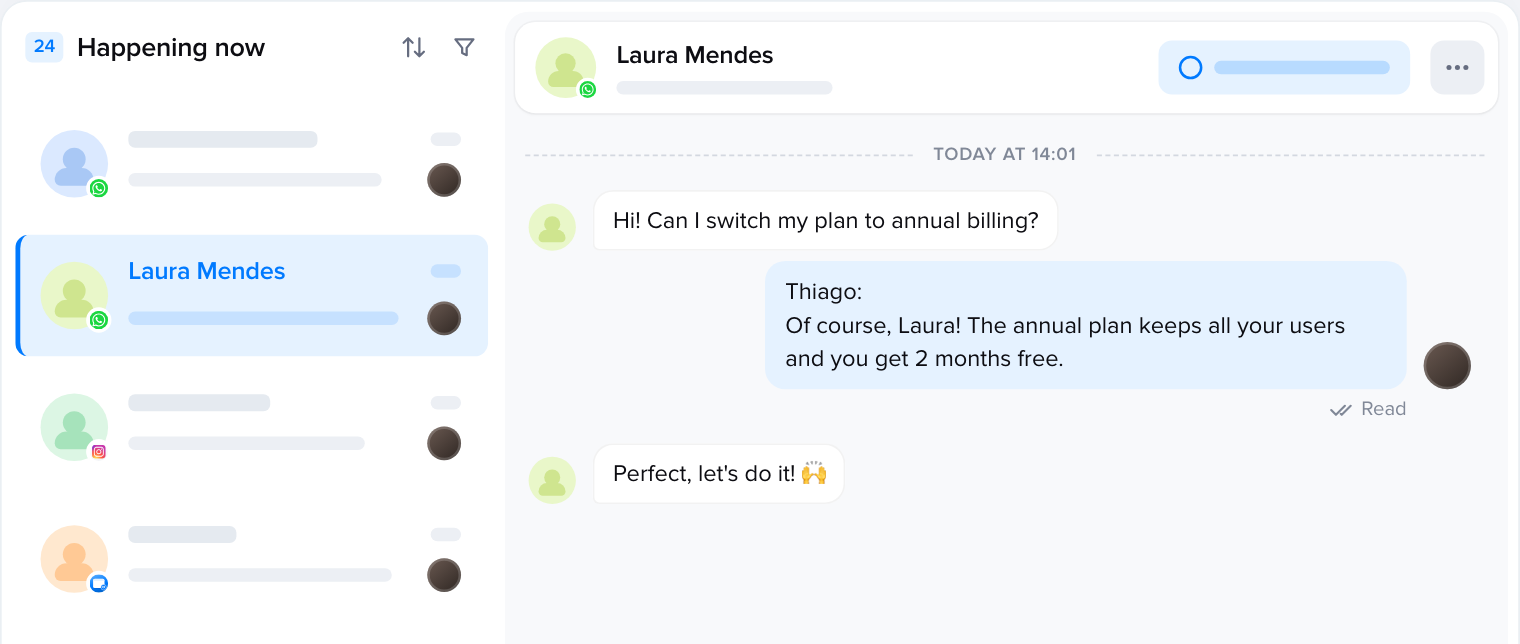
Your whole team answering on the same official API number.
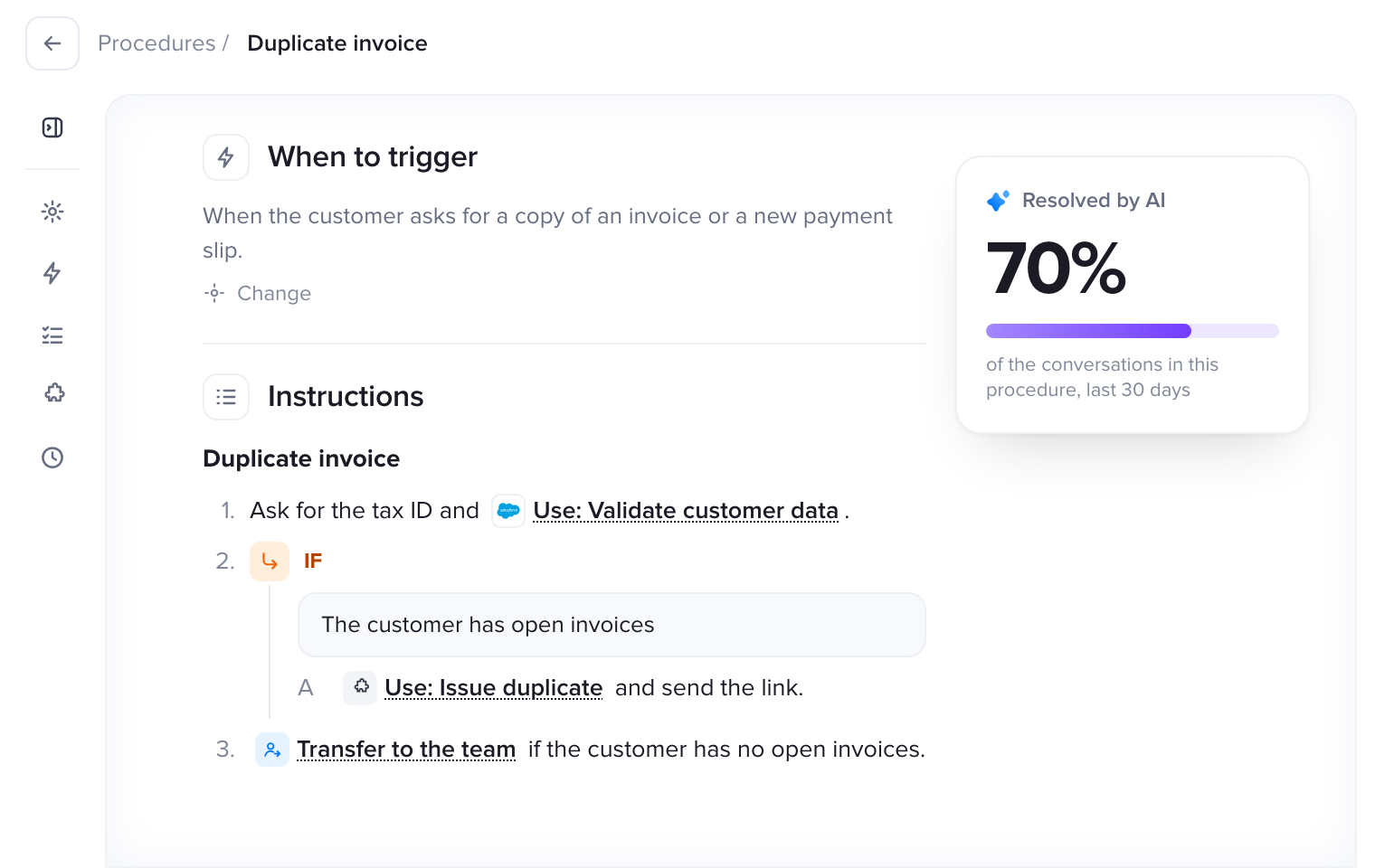
AI that answers instantly, within Meta's rules.
With Talqui your messages go out through the official WhatsApp Business API: after-hours auto replies, campaigns to whole lists and your entire team answering on the same number.
7-day free trial, no credit card required.
Guide: connect your number to the official API